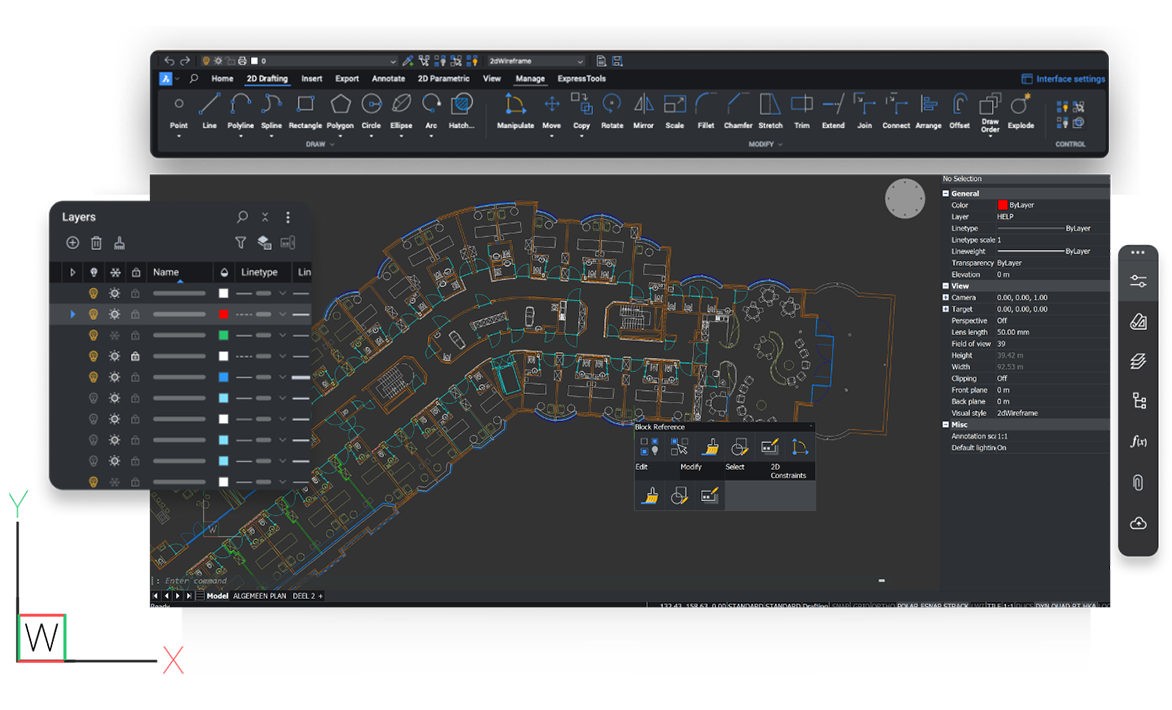
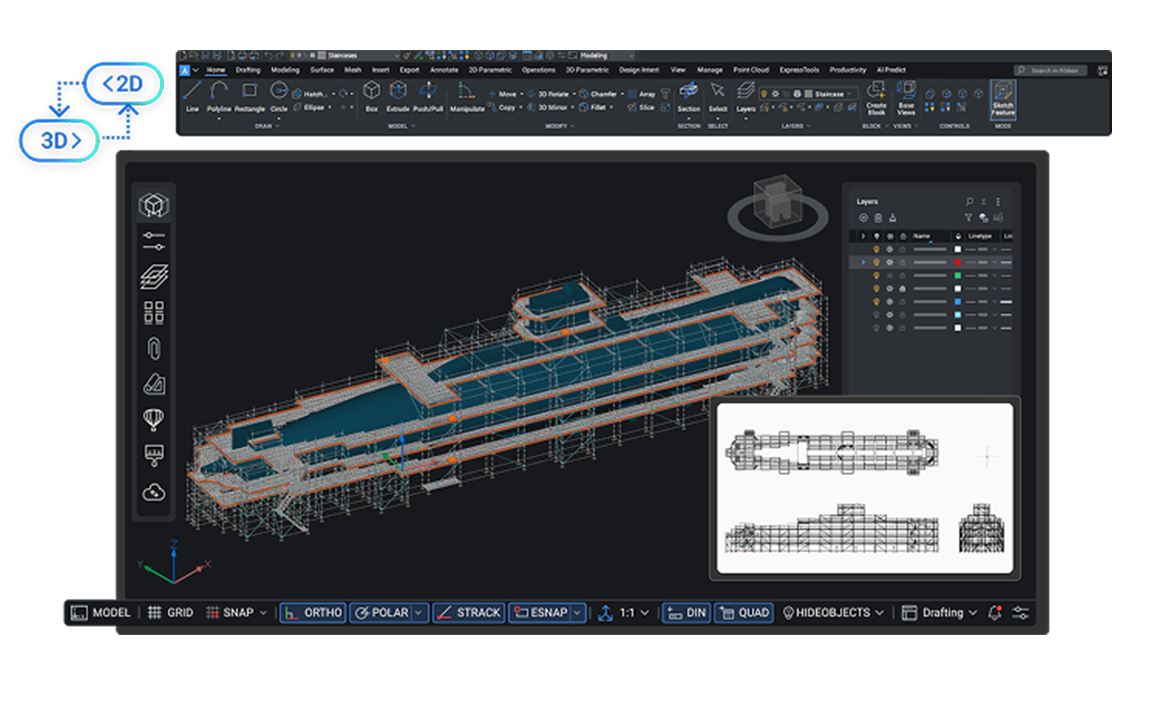
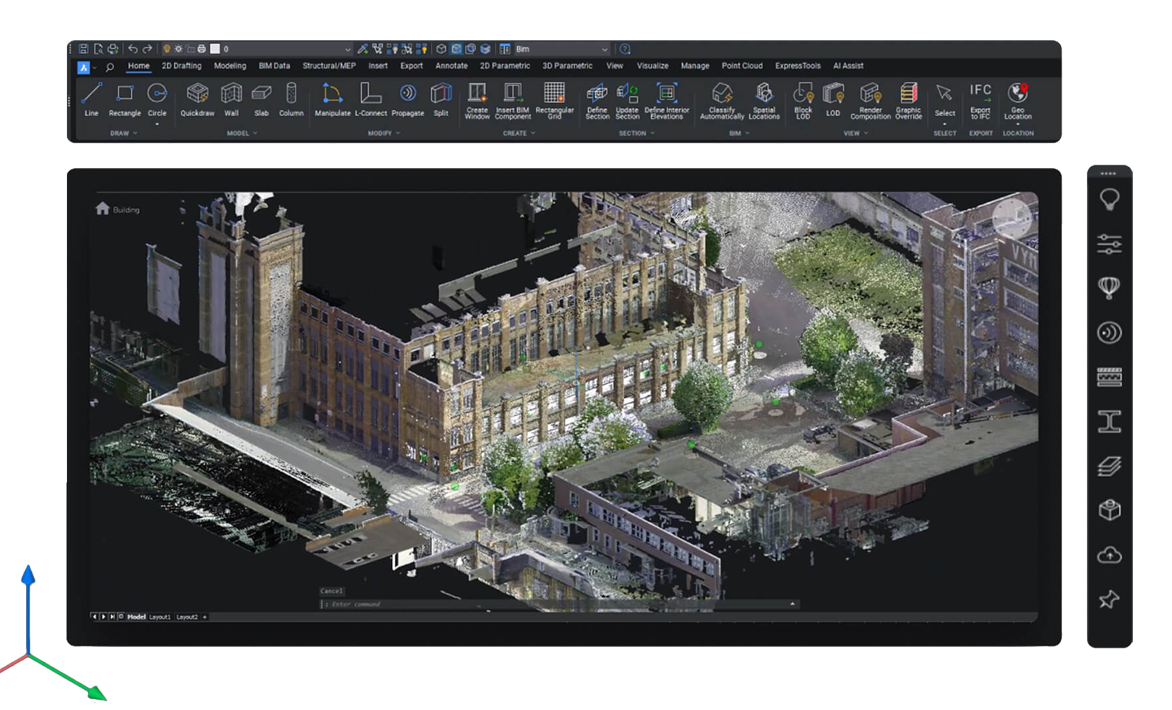
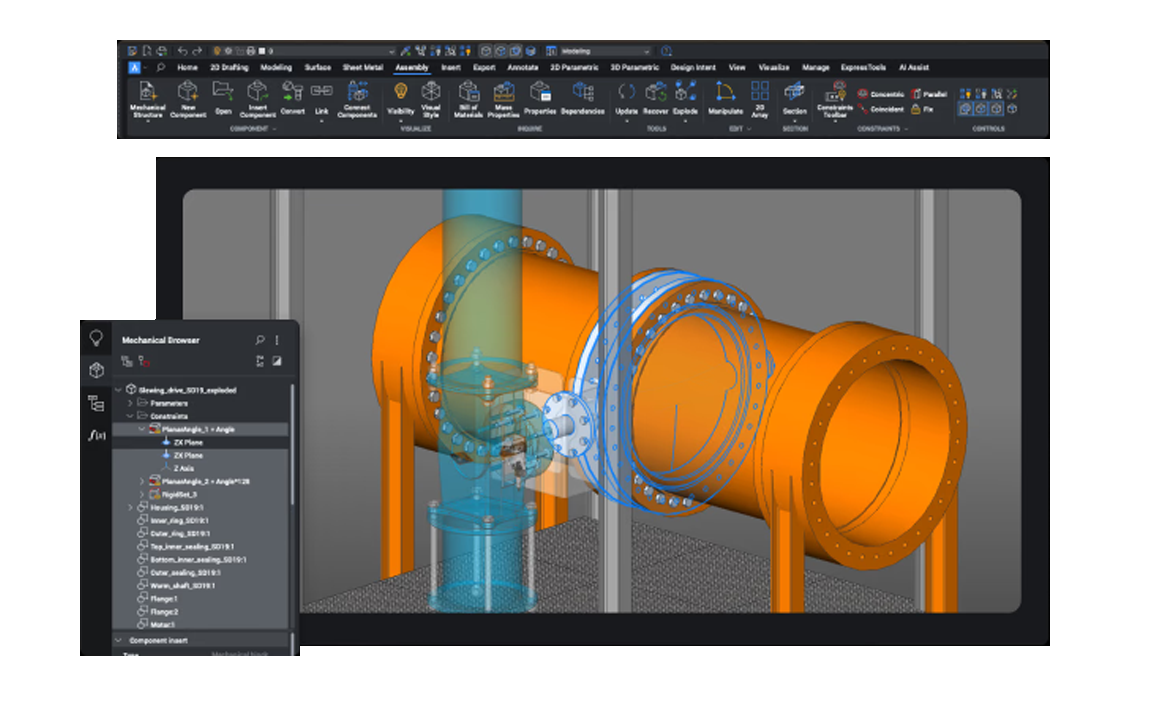

BricsCAD requires the following minimal system requirements:
Key differences include:
It's crucial to remember that these are the bare minimum specifications, and they could change based on how complicated your designs are and what other programs are installed on your computer. It is advised to have a more durable design with a quick CPU, additional memory, and a dedicated graphics card to guarantee peak performance.
Ultimate? Your work needs will determine which BricsCAD edition is best for you.
We'll suggest the best edition according to your needs if you're not sure.
Visit the "My account" section to view your individual software key upgrade costs after logging in with your Bricsys account.
You can launch a trial version of BricsCAD in the BricsCAD launcher when you first download the BricsCAD installer. This trial will end after 30 days. You will be prompted by the launcher to enter a legitimate license key. Reinstalling BricsCAD is not necessary.
Only the most recent version of BricsCAD is available for purchase. This license, however, is only compatible with BricsCAD versions up to V14.
Yes. The license can be easily deactivated on the old computer and reactivated on the new one.
(The license is transferable between Mac and PC):
Yes. Modelcam Technologies offers technical support for setup and configuration, activation assistance, and installation support.
Absolutely. The normal DWG format is used by BricsCAD; no conversion is required.
Yes. BricsCAD is very adaptable for automation and custom tools because it supports LISP, VBA, BRX, and.NET APIs.
Compared to competing DWG-based CAD programs, BricsCAD has faster load times and more smooth navigation because of its effective memory allocation and GPU acceleration.
Modelcam Technologies provides a wide variety of services from art to part from concept design to industrial modeling, and analysis for final manufacturing.
©Copyright 2026. All rights reserved by Modelcam Technologies Private Limited PUNE.